# Installation
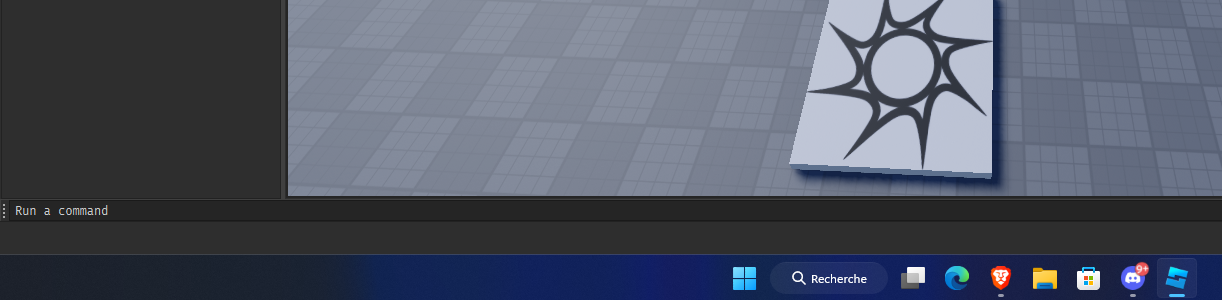
The installation is easy and fast! You just need to enter a command in the command bar.
Picture of the command bar in roblox studio
Enter this command :
```lua
game:GetObjects("rbxassetid://92653742332028")[1].Parent = game.ServerScriptService
```
## Setup
For setup the system, you have just to open the modulescript in EconomyAPI > Config > Settings and all settings are detailed.